Manage environments
An environment groups the clusters you run in the Safespring portal. This page describes how to create, view, update and delete environments. To create your first environment and cluster, start with Create and access your first SKE cluster.
Create an environment
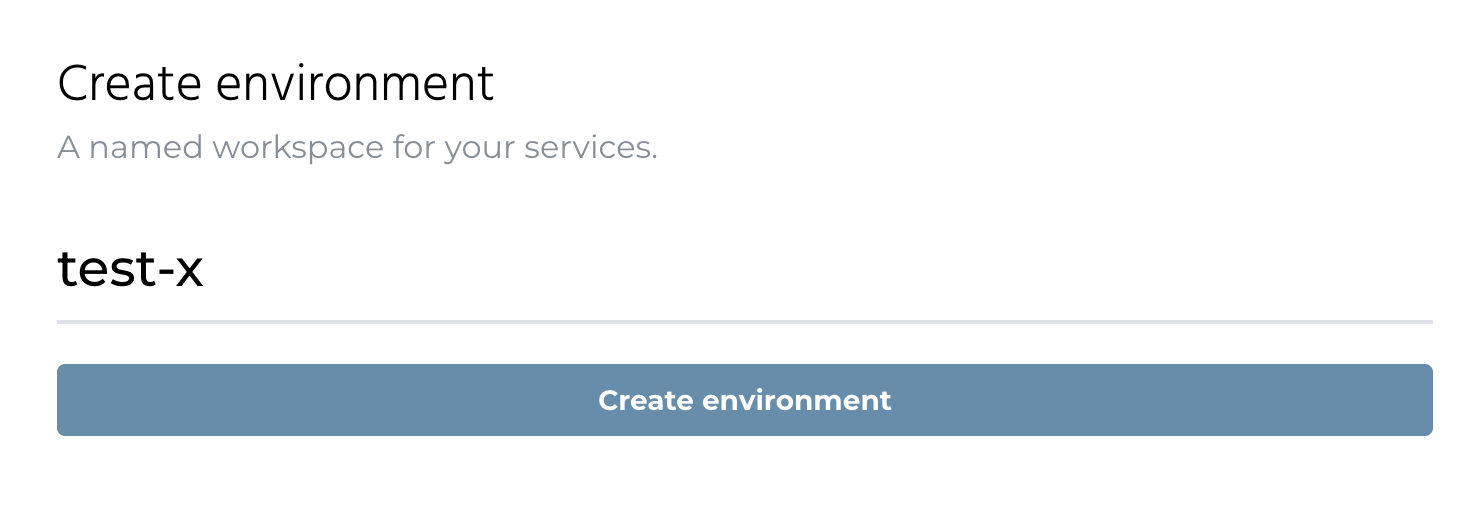
- Log in to https://portal.safespring.com.
- In the "Environments Overview", click "Create New".
- Give the environment a name and click "Create environment".
View environments
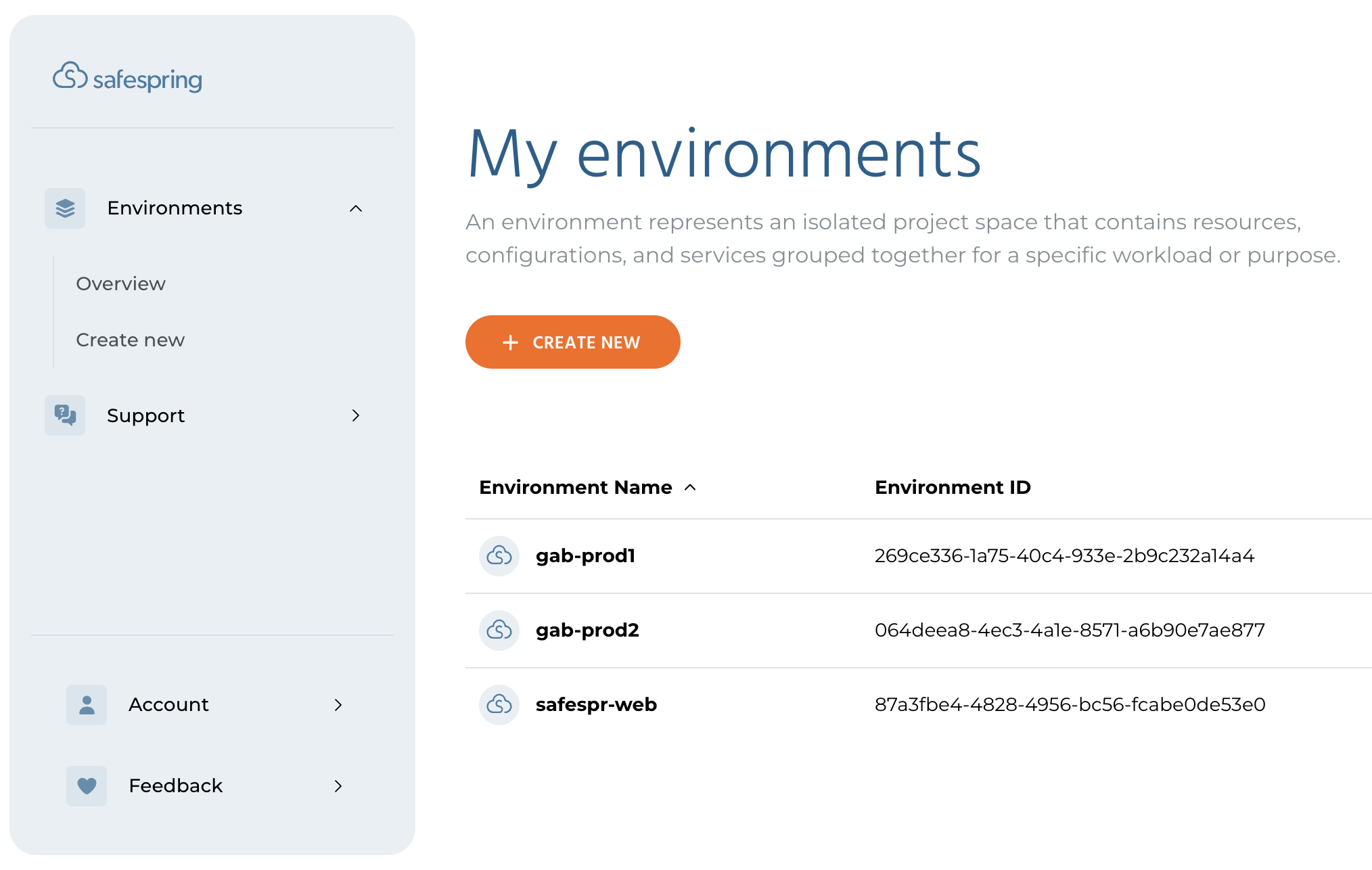
The "Environments Overview" lists every environment in your organization. Click an environment to see its clusters and their status.
Update an environment
You change an environment by adding or deleting clusters in it. To add a cluster, open the environment and click "Add service" and then "Cluster". In an empty environment the button is called "Add Cluster". See Create your first cluster. To delete a cluster, see Delete the clusters in the environment.
The environment name cannot be changed after creation.
Delete an environment
Deleting an environment removes it from the portal together with the access your users have to it. This cannot be undone.
Delete all clusters first
The portal refuses to delete an environment that still contains clusters. Delete every cluster in the environment and wait for the deletion to finish before you delete the environment.
Delete the clusters in the environment
- Open the environment.
- For each cluster, click the "Cluster actions" menu (⋯) and choose "Delete".
- Type the cluster name to confirm and click "Delete Service".
Deleting a cluster permanently removes its nodes, persistent volumes, load balancer and DNS entries. The portal reports "Cluster deletion has started" and removes the resources in the background, which takes a few minutes.
Delete the environment
- Open the environment and click "Delete environment" in the top right corner. You can also click the trash icon on the environment's row in the "Environments Overview".
- Type the environment name to confirm and click "Delete environment".
If the portal shows an error, the cluster deletion has not finished yet. Wait a few minutes and try again. If the error remains, contact Safespring support.